
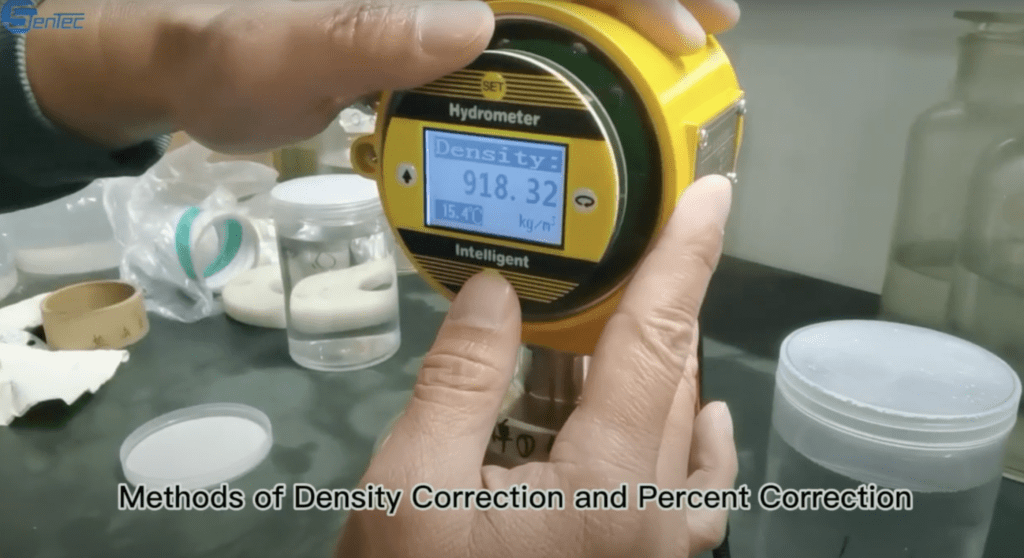
SPX504 Density Correction and Percent Correction
Density correction modification operation method Press the OK button twice, then press the cycle button to select the 108 menu, enter the password 172, press the OK button, and then select the 1101 menu , you have entered the density modification window, and now you can modify the positive and negative value to correct for
SPX504 Density Correction and Percent Correction Read More »